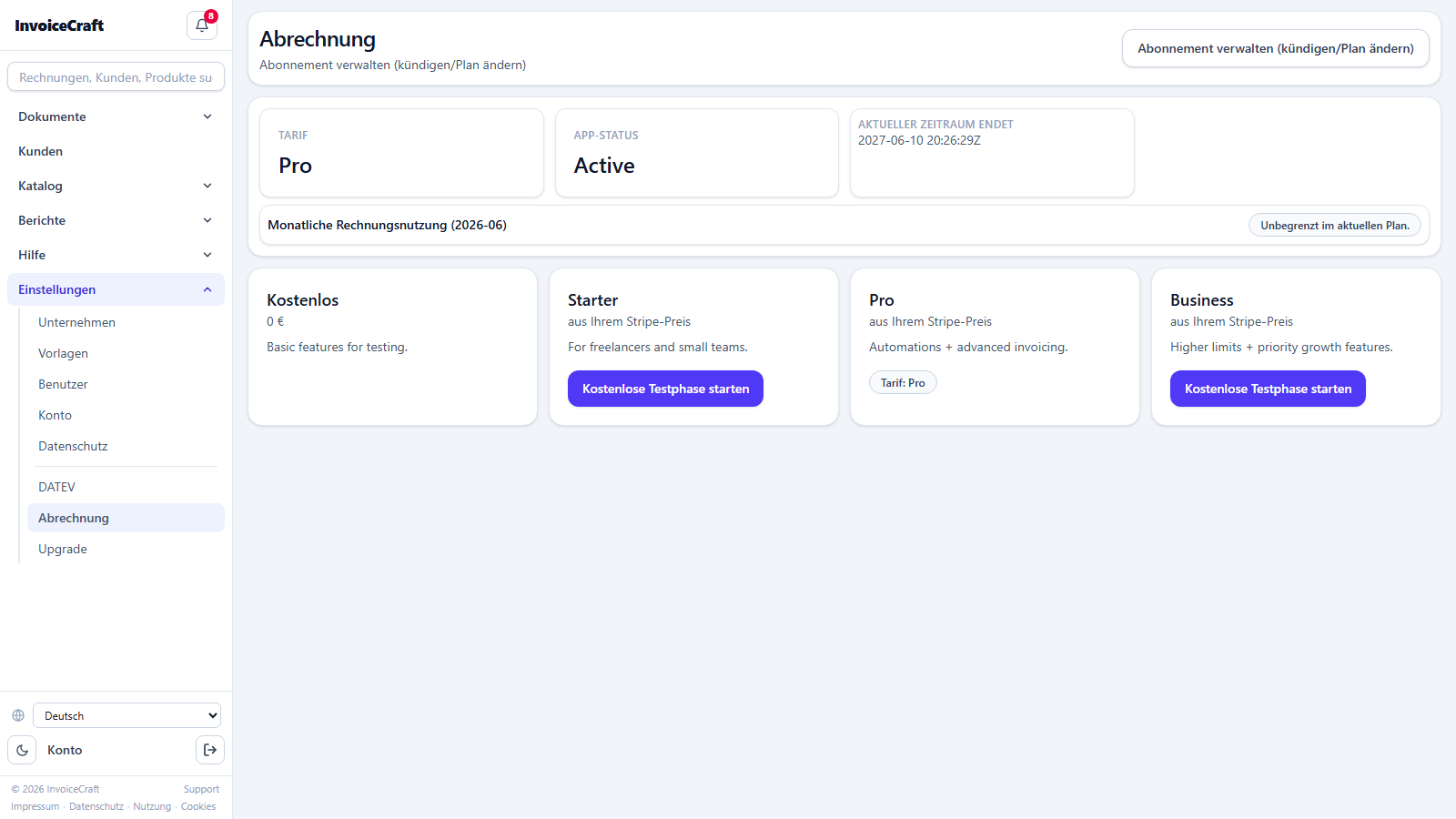
1. Dashboard
/appYour home page after signing in — a complete picture of your company's situation in seconds.
- Key metrics: open (uncollected) balance, overdue invoices, low-stock products, and drafts.
- An “Invoices needing attention” list sorted by priority (overdue first, then open).
- A “Quick start” checklist for the first setup steps (company profile, first customer, first product, first invoice).
- “Low stock” and “Recent customers” cards with direct links.
- Quick-action buttons to create a new document or open customers and catalog.
- A fixed sidebar for navigation, with global search (invoices, customers, products) at the top.
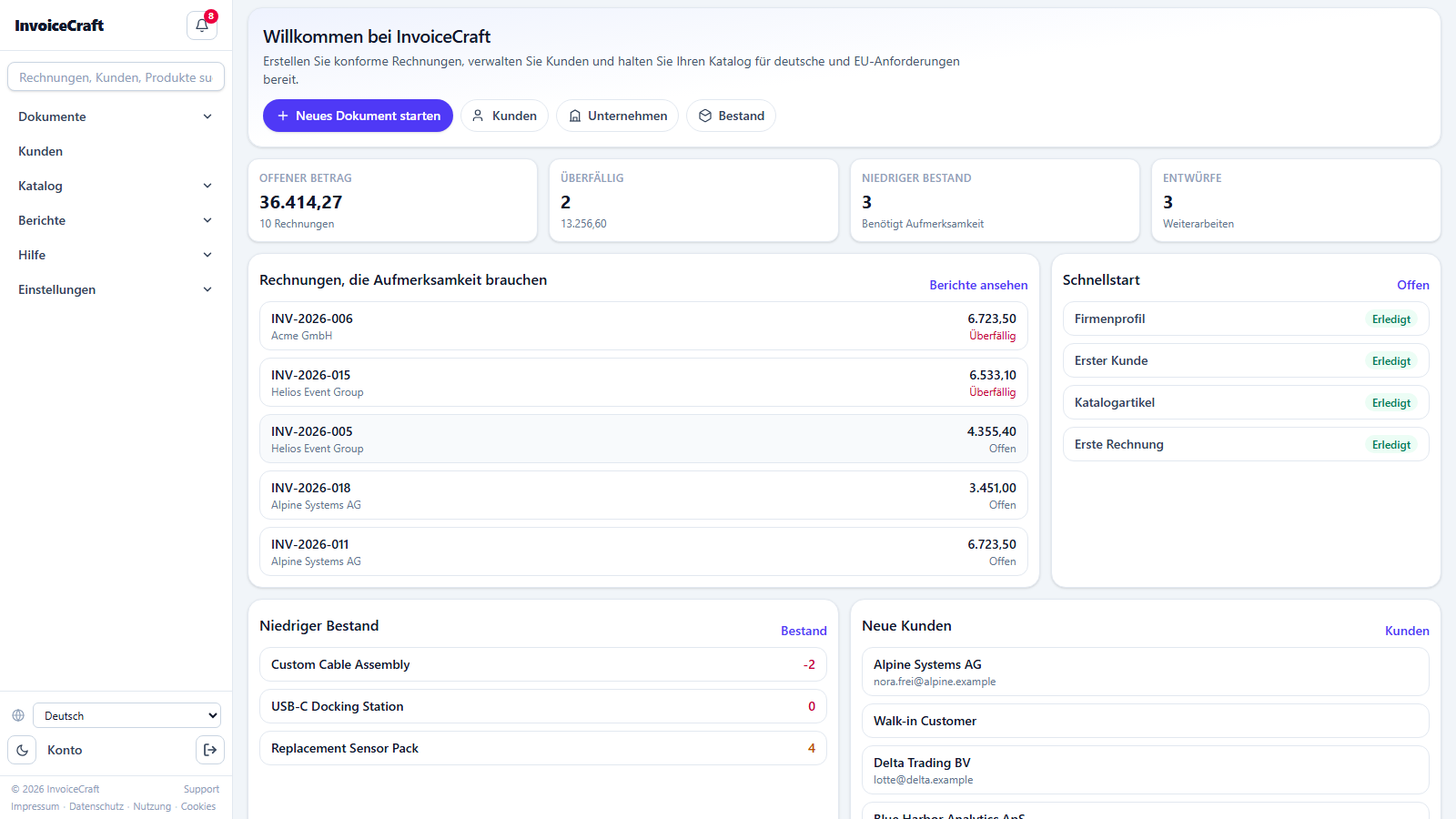
2. Documents (invoices & quotes)
/documentsThe operational heart of the app: one table for all invoices, quotes, and credit notes (Gutschrift).
- Tabs by type: invoice, quote, e-invoice import, and imports.
- Filter by status: draft, issued, paid, cancelled — plus an “overdue only” filter and full-text search.
- Shows number, customer, issue date, status, reference, and open balance for each document.
- Direct actions: open the document, record payments, and view the archive.
- Pagination with adjustable page size, an inner scroll area, and a sticky table header.
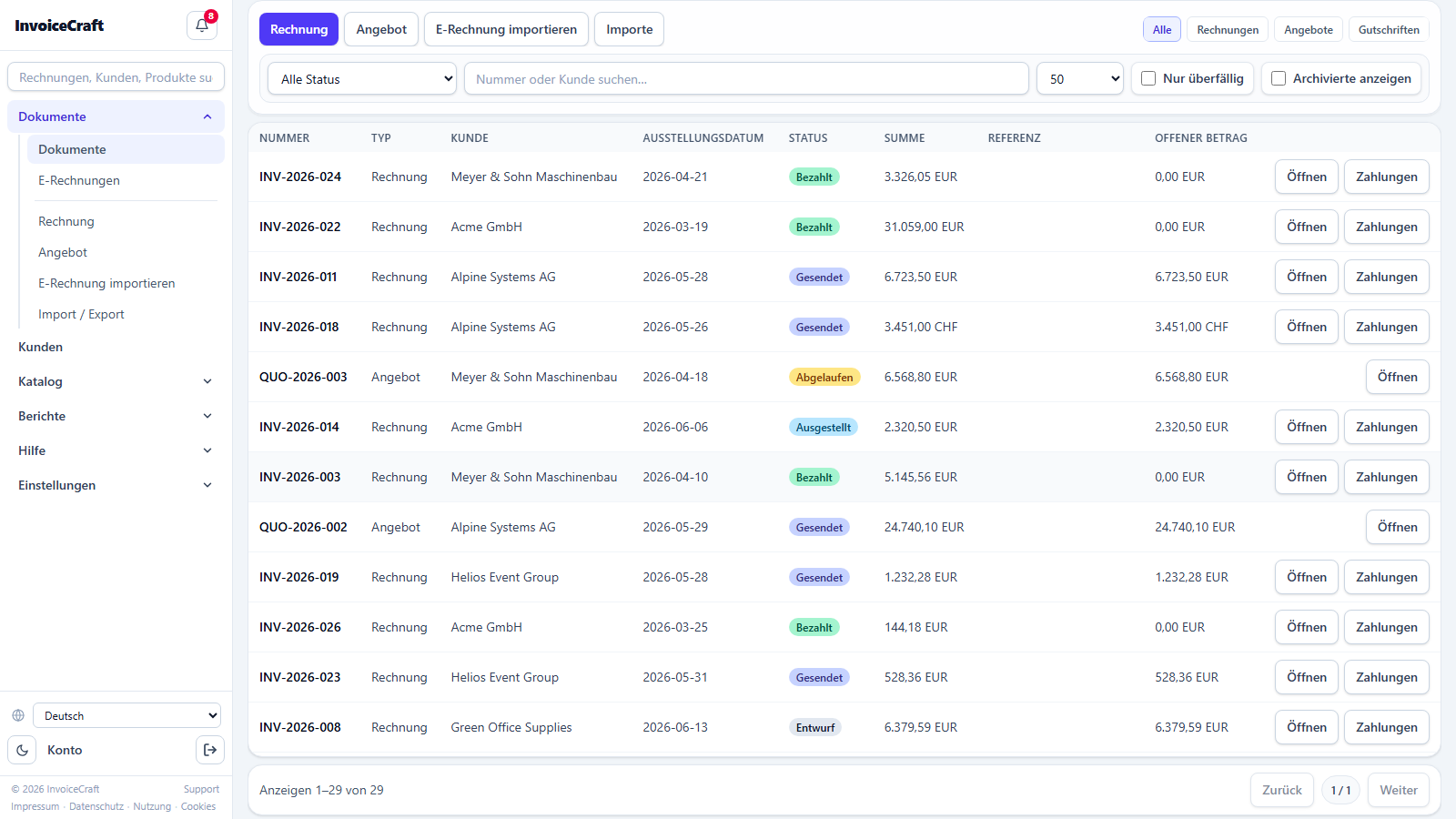
3. Creating a new document
/documents/newA step-by-step wizard to create a new invoice or quote quickly and without mistakes.
- Choose the document type (invoice / quote), then pick the customer from a searchable list.
- Add line items from the catalog or manually: quantity, price, and VAT rate per line.
- Automatic totals: net, VAT (including small-business §19 UStG “Kleinunternehmer” support), and gross.
- A final review before saving as a draft or issuing immediately.
4. Customers
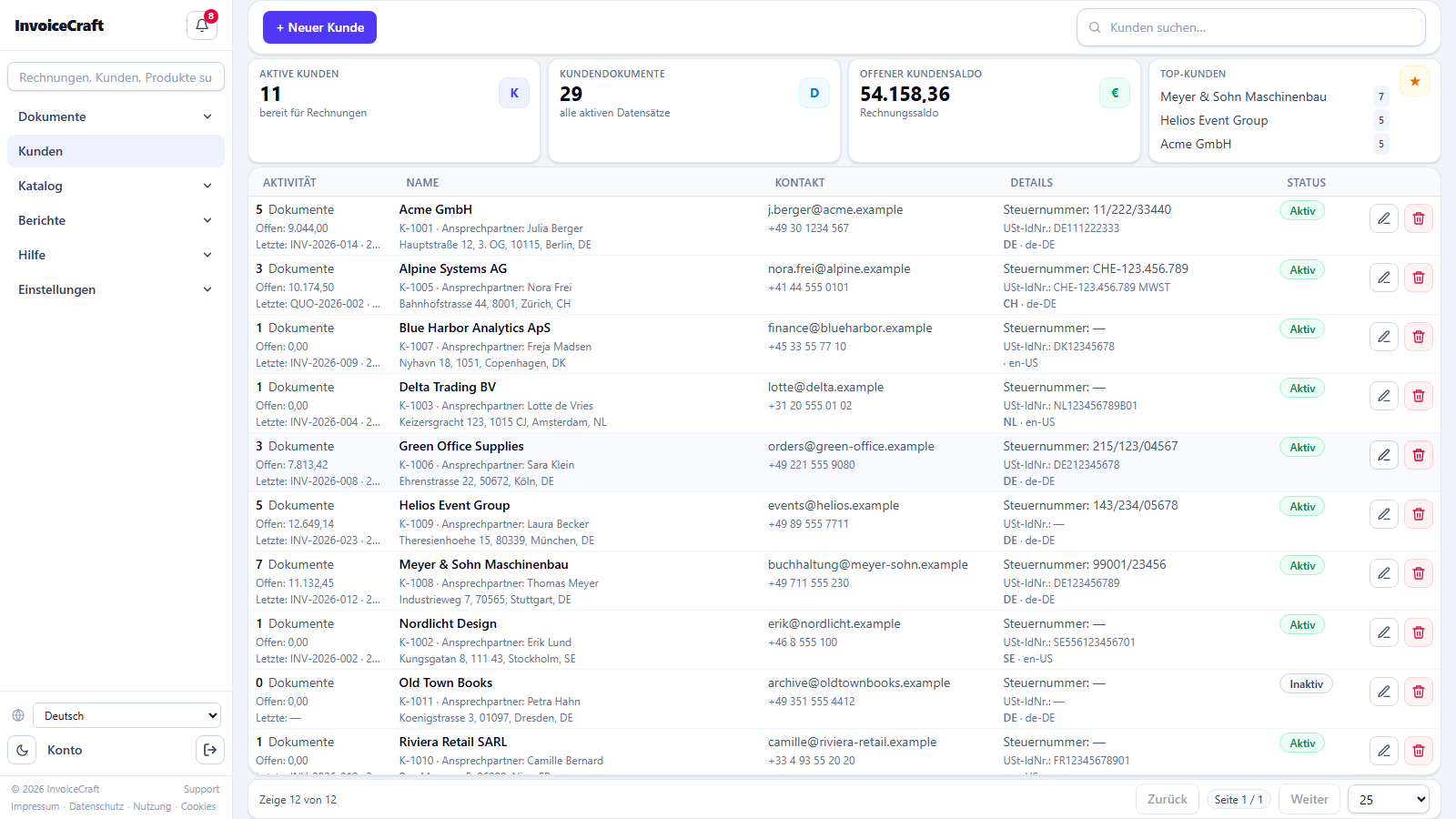
/customersFull customer management with all the tax data required for German and EU invoicing.
- A metrics bar at the top: active customers, document count, open balance, and top customers.
- The table shows per customer: activity (document count, open balance, last document), contact data, and tax details (tax number, VAT ID, and the Leitweg-ID for public-sector B2G customers).
- Status badge (active / inactive) and a B2G badge for government entities.
- Instant search, edit and delete actions per row, and a card view on mobile.
5. Catalog (products & services)
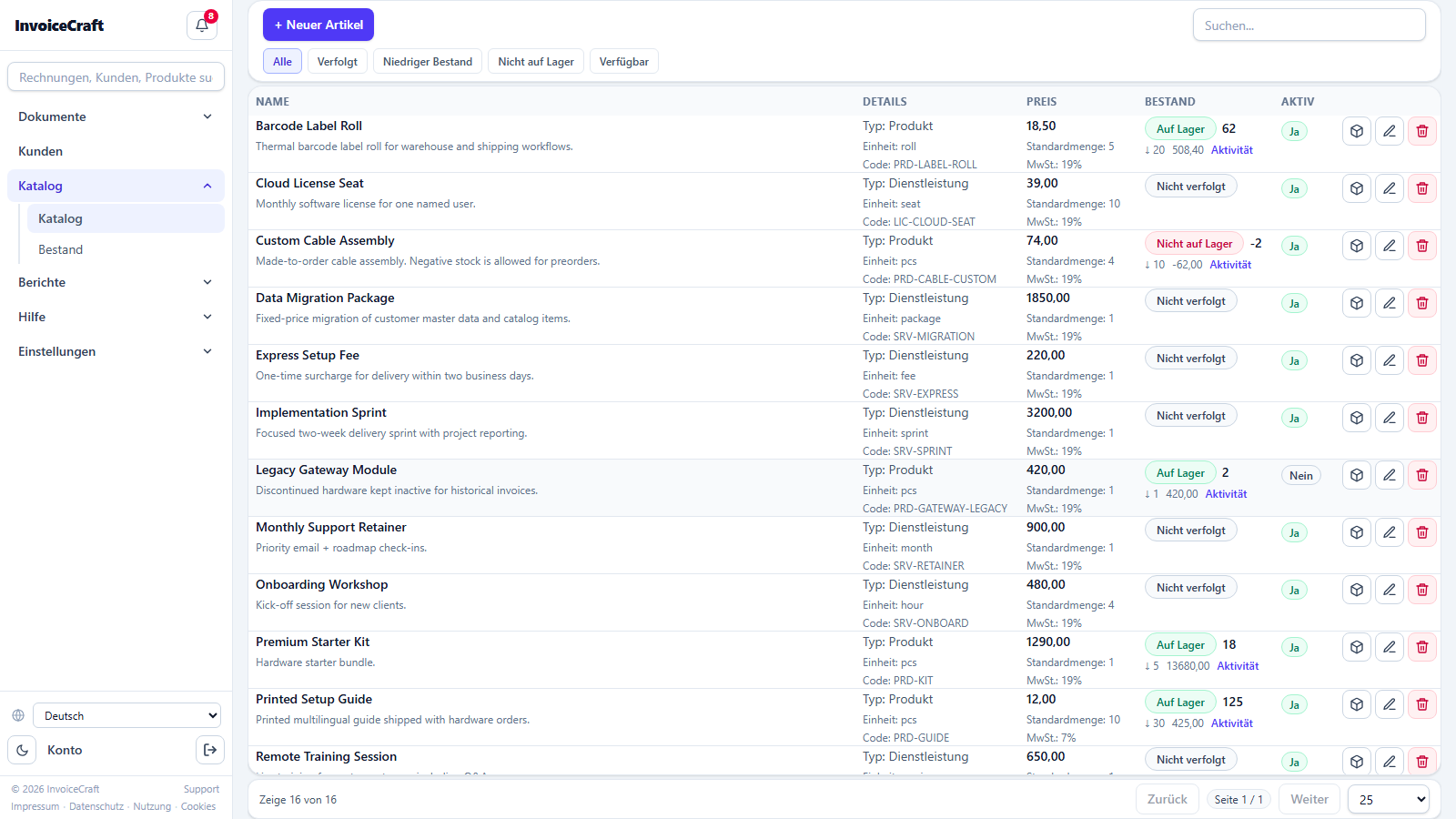
/catalogThe library of products and services your invoice lines are built from, with optional inventory tracking.
- Each item has: name and description, type (product / service), unit, code, price, default quantity, and VAT rate.
- Inventory tracking: current stock, low-stock alert threshold, stock value, with colored status badges (in stock / low / out / not tracked).
- A quick stock filter (all, tracked, low, out, available) and text search.
- A stock-adjustment button right in the table, and a link to each product's movement history.
6. Inventory report
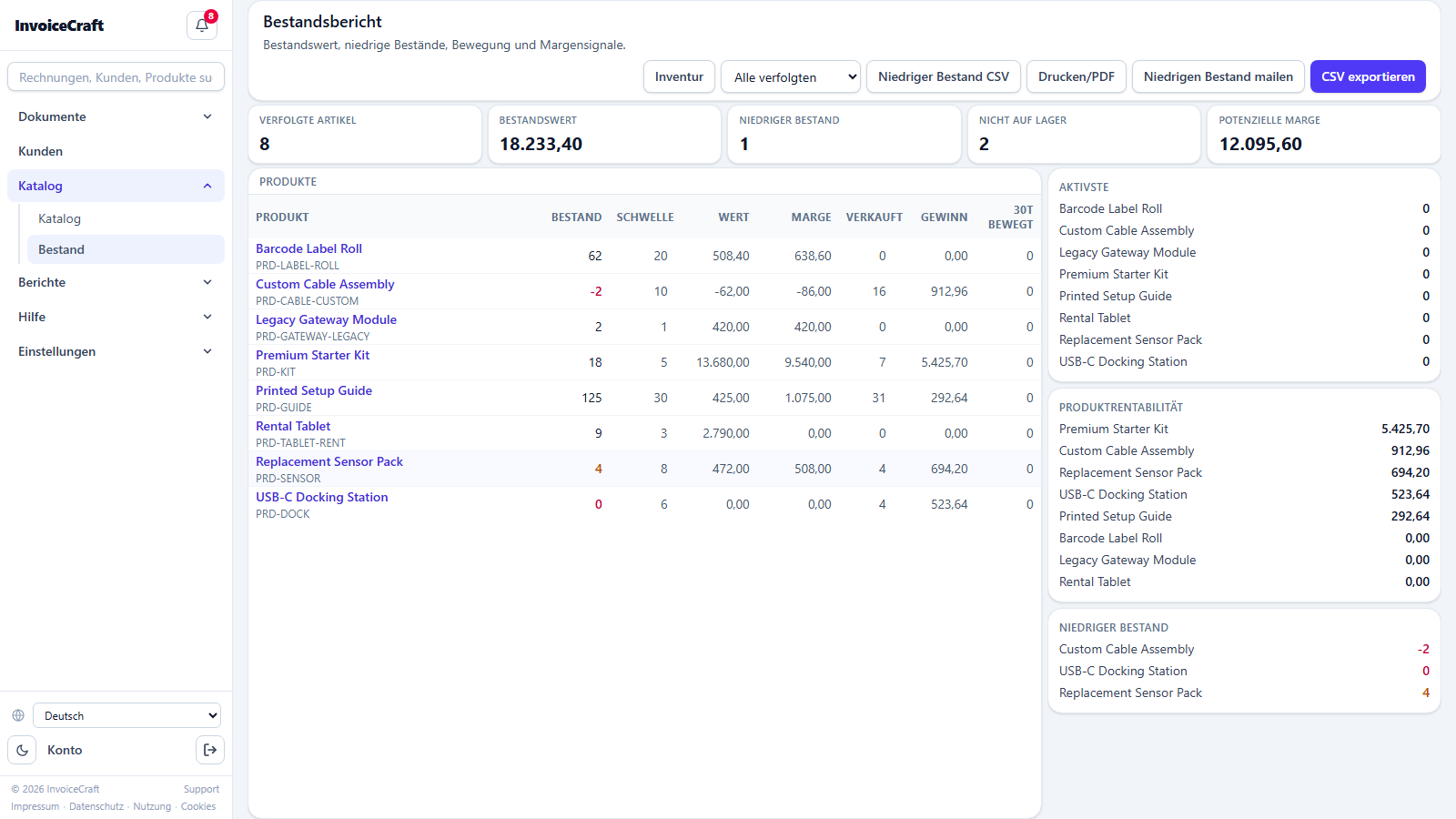
/inventoryAn analytical view of your inventory: value, alerts, and movement velocity.
- Metrics: total stock value, tracked item count, low-stock items, and potential margin.
- A detailed table with current stock, alert thresholds, and 30-day movement.
- A low-stock watch list and the most active products.
- CSV export, print / PDF, and a low-stock email to your team.
7. Reports
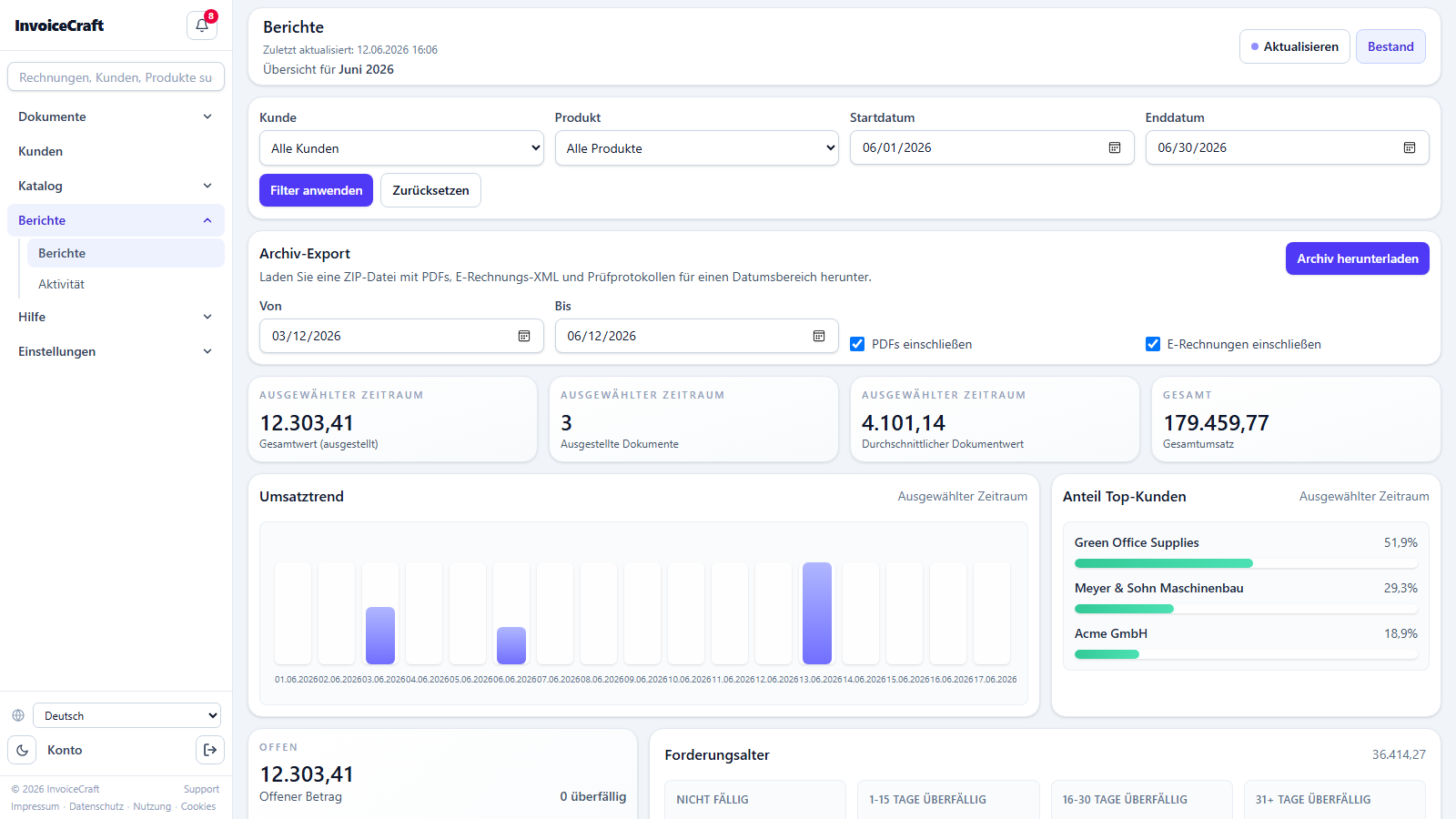
/reportsFinancial reports for the selected period, with a full archive export.
- Filter by customer, product, and date range.
- Period metrics: issued value, document count, average document value, and grand total.
- A revenue trend chart and top customers' share of revenue.
- An accounts-receivable aging table (not due, 1–15, 16–30, 31+ days overdue) and the overdue invoice list.
- Export a ZIP archive with the PDFs, e-invoice XML files, and validation protocols for a chosen period.
8. Activity log
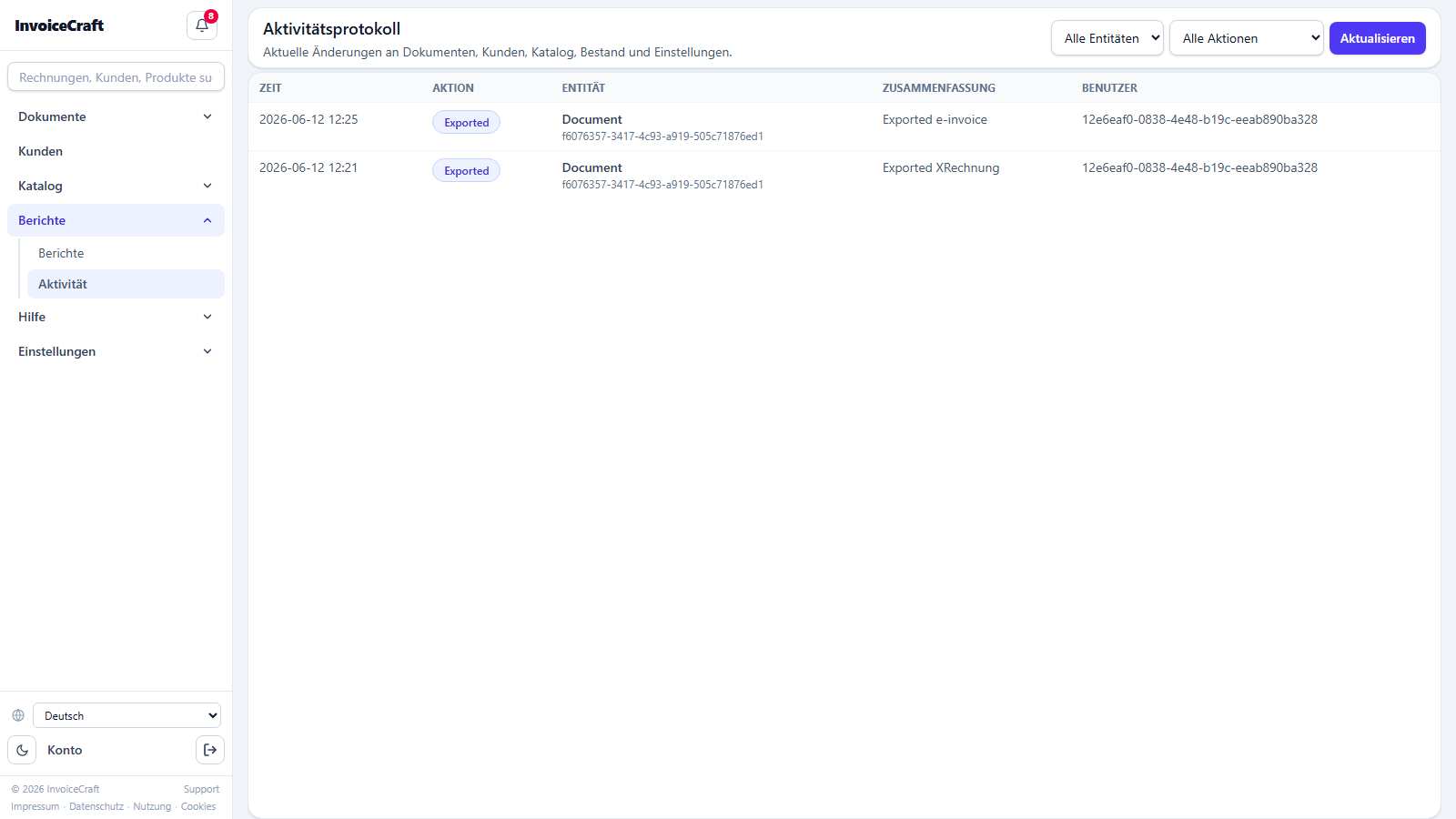
/activityAn audit trail of every change in the account — who changed what, and when.
- Covers documents, customers, catalog, inventory, and settings.
- Filter by entity, action type, user, and period.
- Shows the time, action, entity, change summary, and the user who made it.
9. Incoming e-invoices
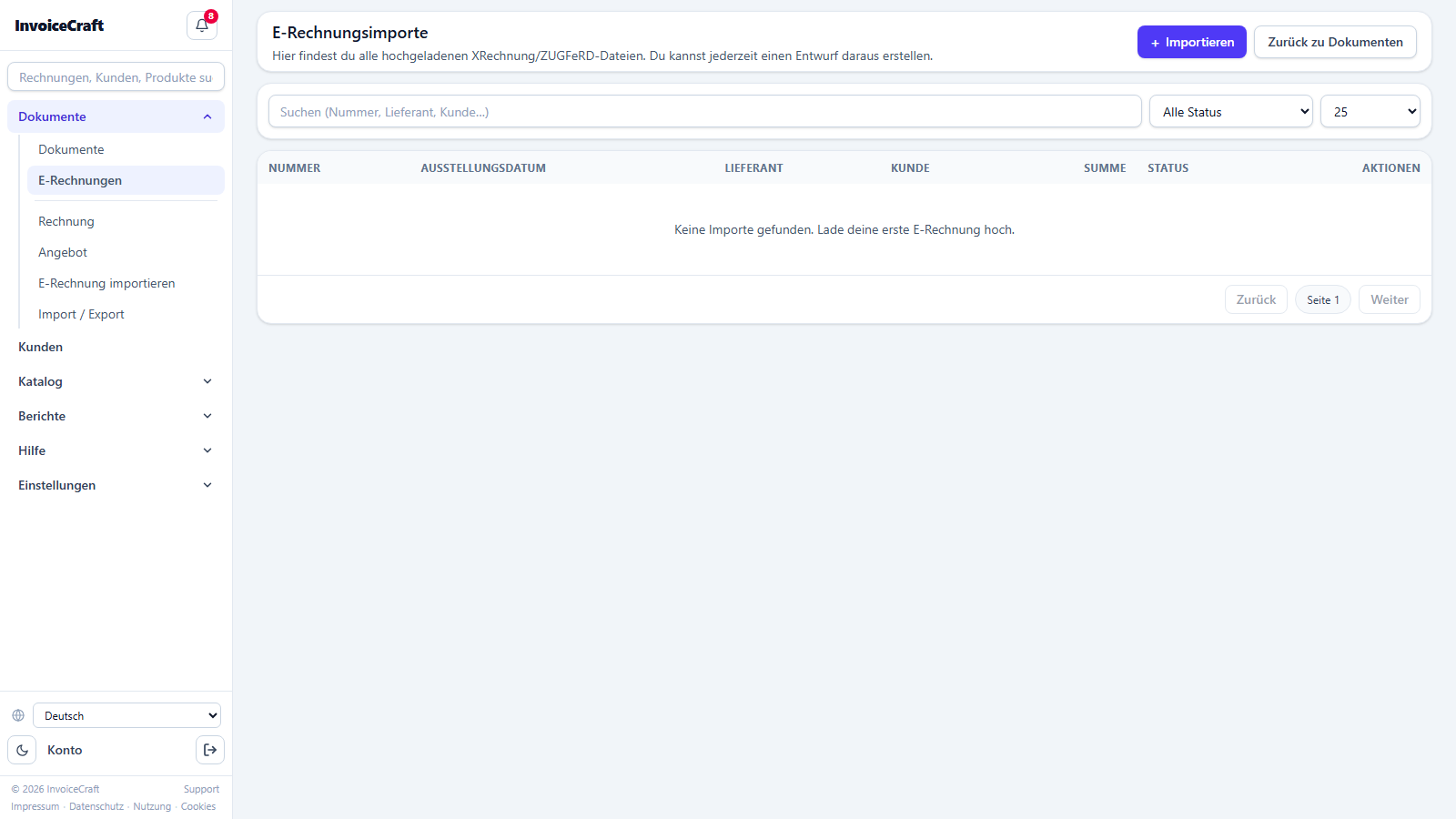
/einvoicesReceive and inspect supplier e-invoices in XRechnung and ZUGFeRD formats.
- Import e-invoice XML / PDF files and validate them.
- See the validation status for every imported invoice.
- A details page per invoice showing all extracted data.
10. Import & export
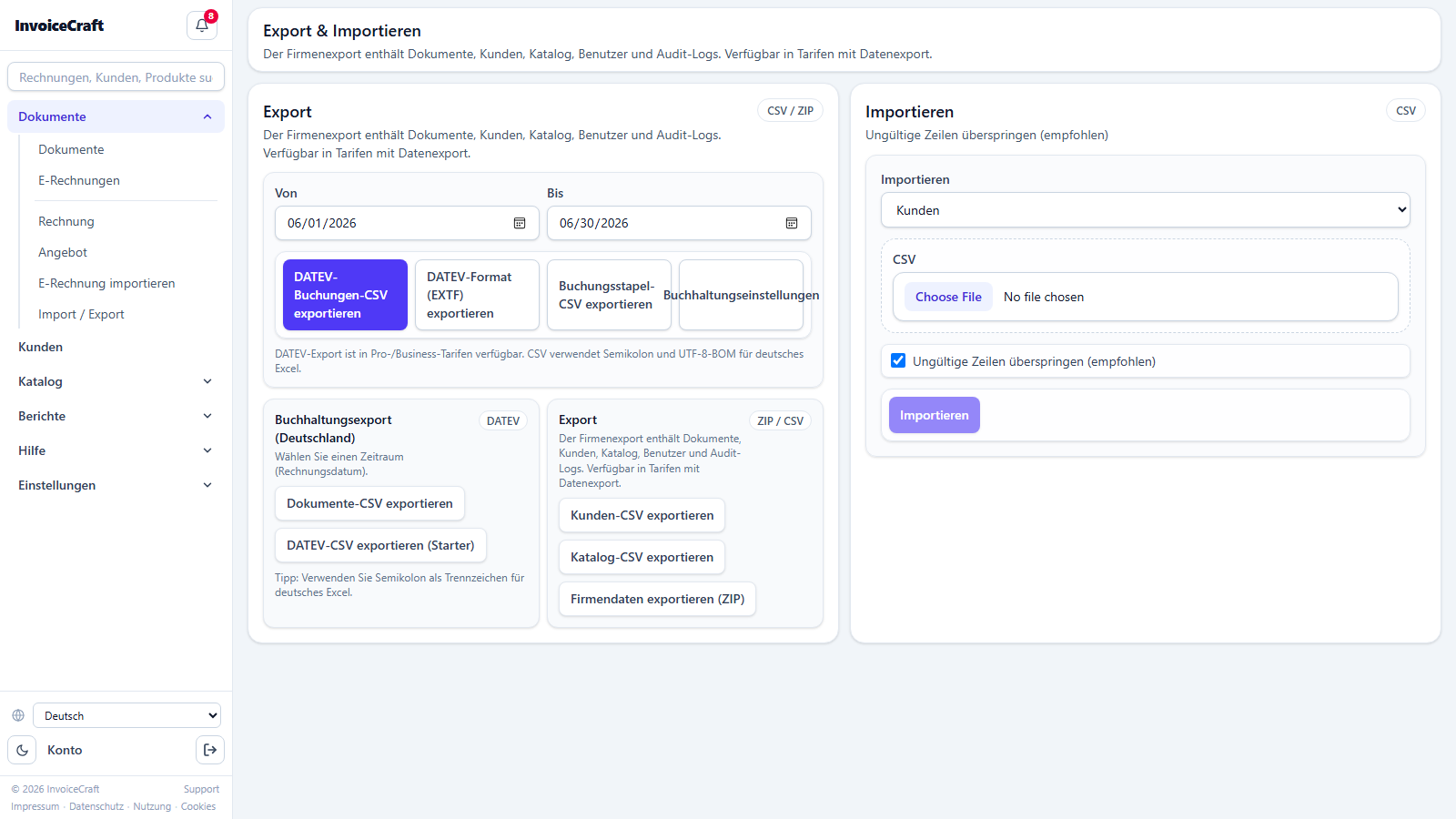
/import-exportMove data in and out of the app as CSV.
- Bulk-import customers and catalog items from CSV files.
- Export your data for backup or external processing.
- Ready-made templates and file-format instructions.
11. Company settings
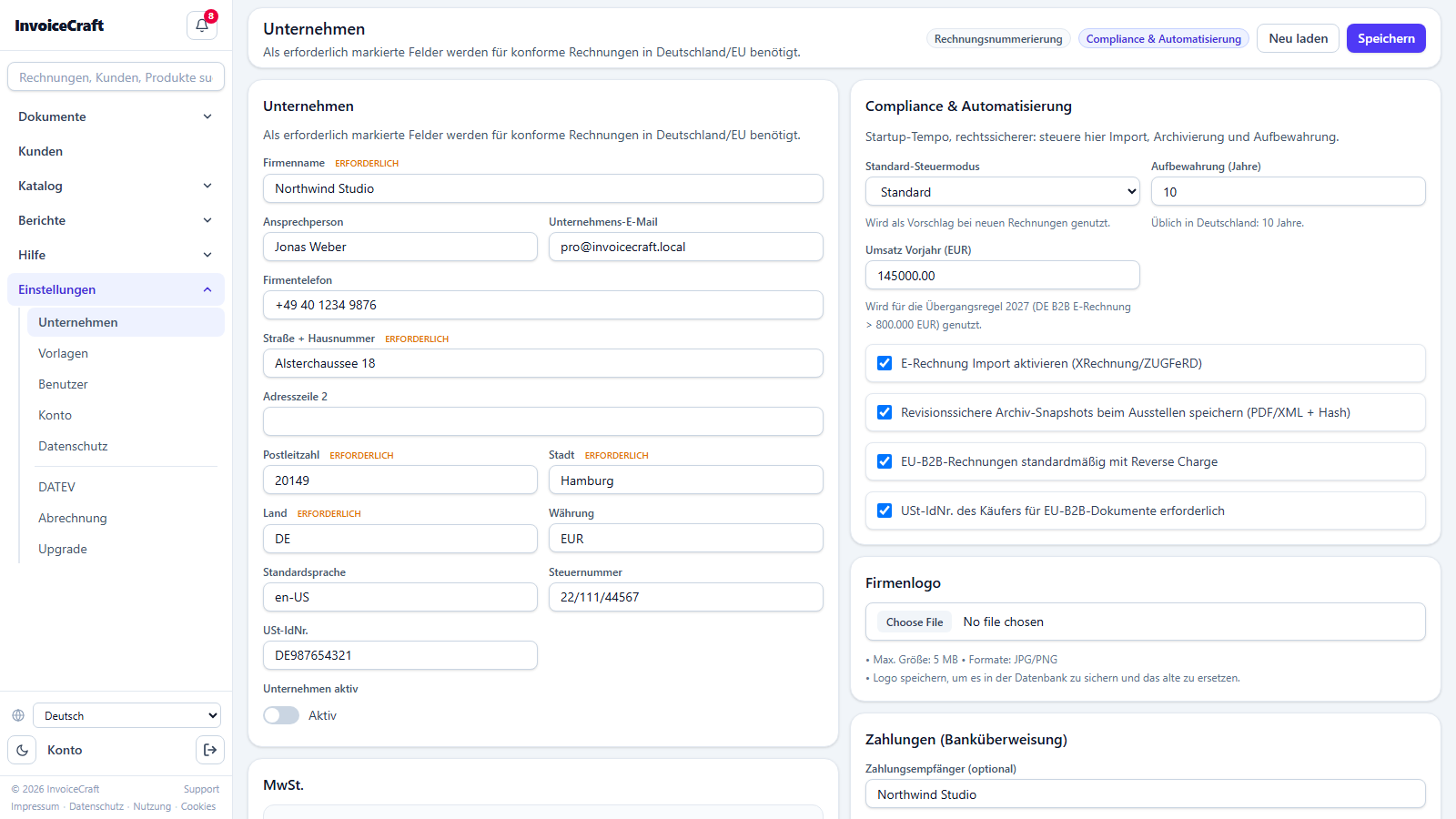
/settings/companyThe official data that appears on your invoices and controls invoicing behavior.
- Company name, address, contact data, and logo.
- Tax numbers (Steuernummer / USt-IdNr) and the small-business (Kleinunternehmer) option.
- Bank details (IBAN / BIC) printed on the invoice.
- Invoice and quote number prefixes, default currency and language.
12. Invoice templates
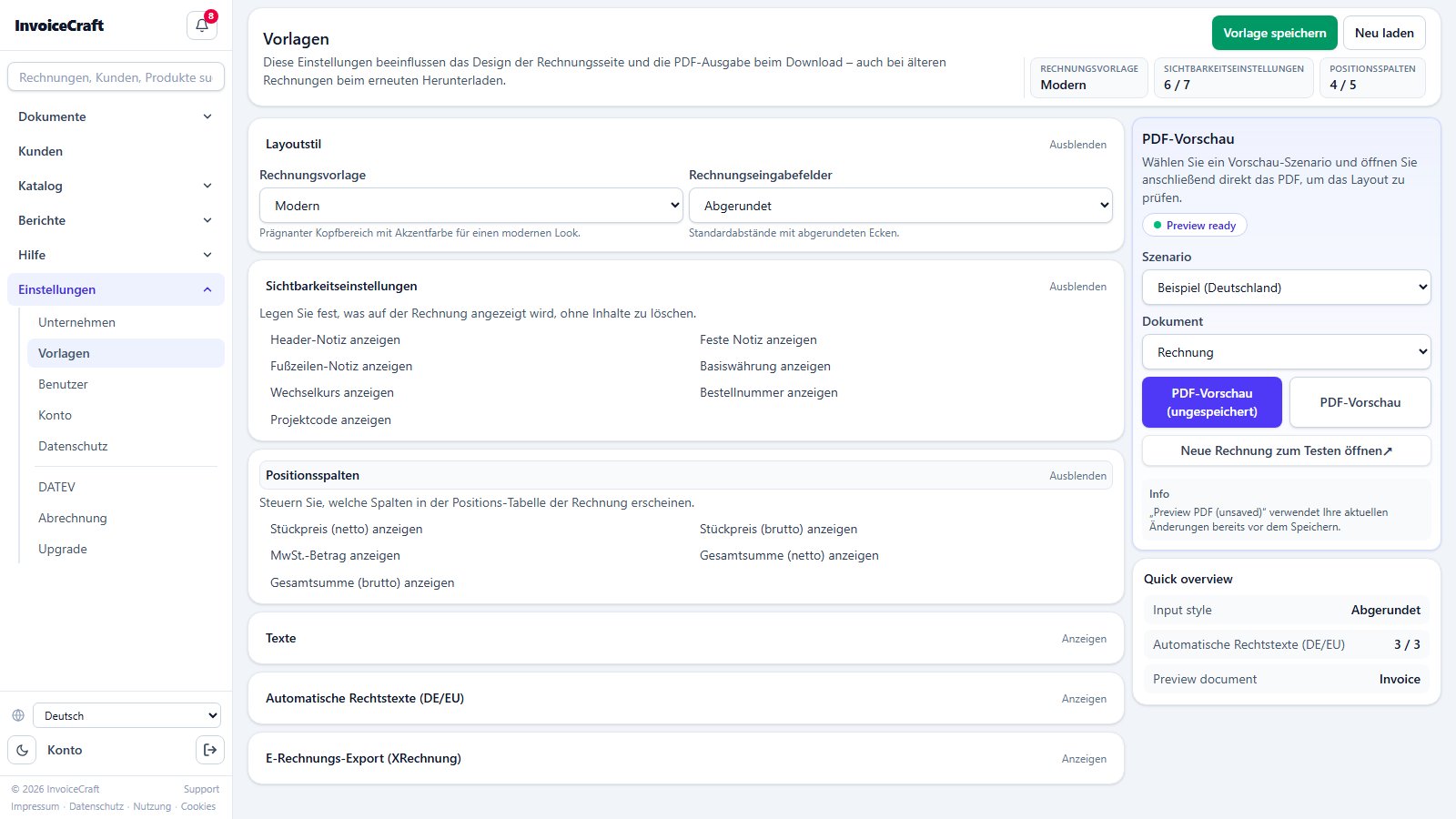
/settings/templatesCustomize the final PDF your customer receives.
- Choose a design template and customize the colors.
- Header and footer texts (payment terms, legal notes, greeting).
- A live preview of the template before saving.
13. Users & invitations
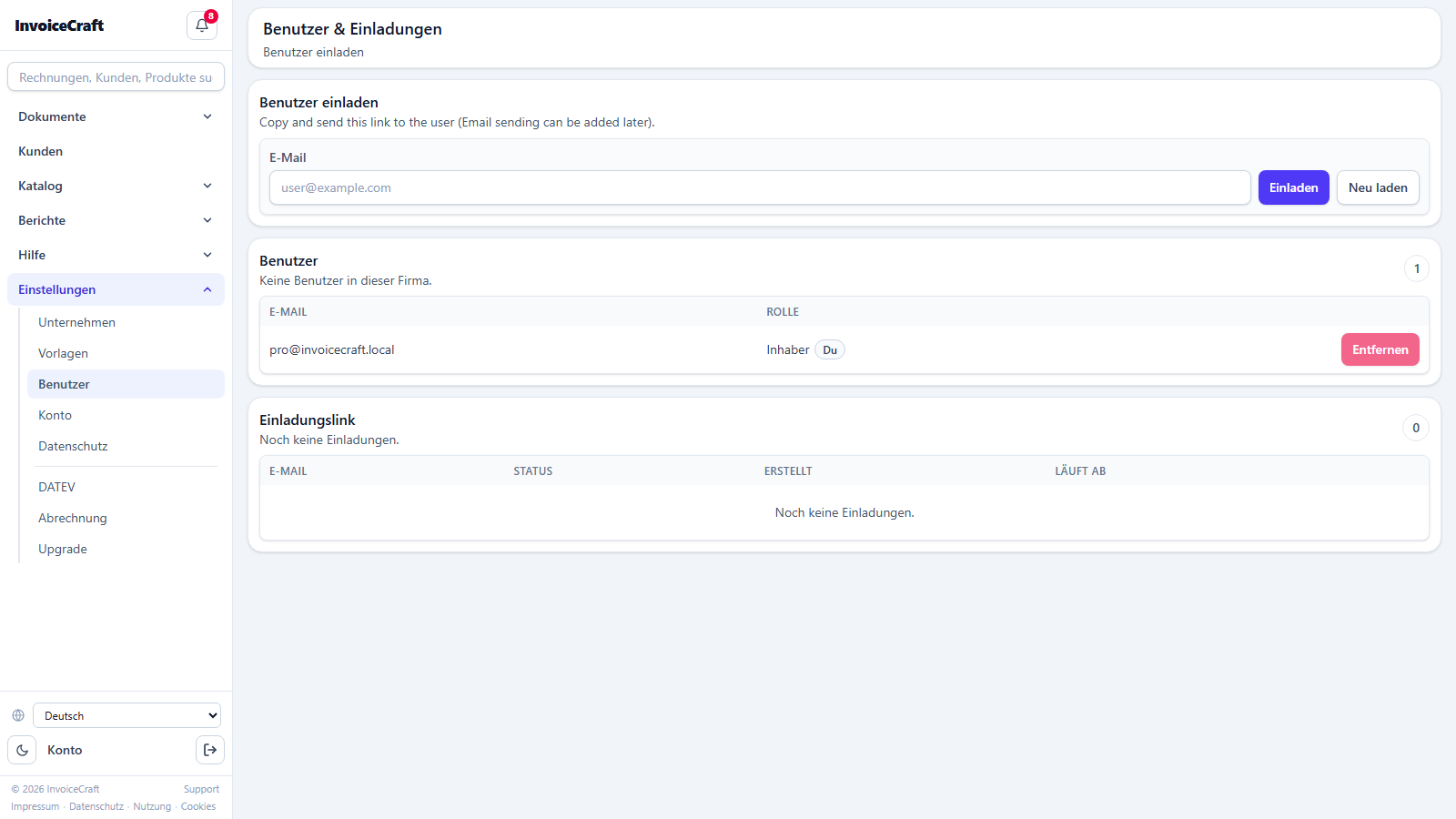
/settings/usersManage your team and their permissions inside the company account.
- Invite new members by email.
- Graduated roles and permissions (owner, manager, editor…) control what each member can do.
- Track and cancel pending invitations, and manage current members.
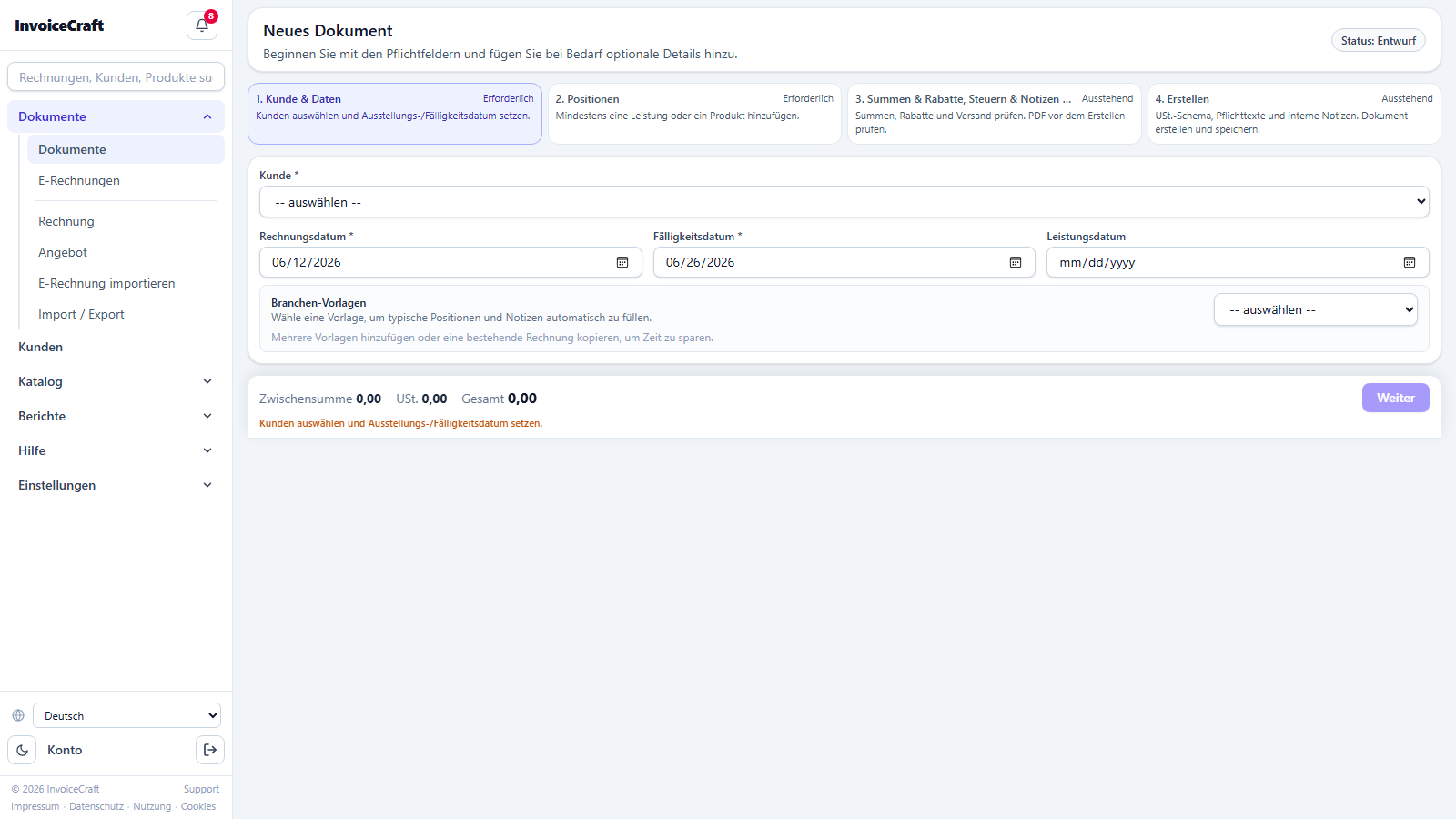
14. Subscription & billing
/billingManage your own InvoiceCraft subscription plan.
- See your current plan (Free / Starter / Pro / Business) and its limits.
- Upgrade or downgrade, and manage your payment method via Stripe.
- View your previous subscription invoices.